
The VolleyWrite Buddy – test info
Many people are unaware of the VolleyWrite Buddy app available in Apple’s App store. The VolleyWrite Buddy shows important information to support the R1 and R2 during a match, including the floor layout, set number, score, sets won, sub counts, timeout counts and challenge counts. It uses color to let the officials know that all of a team’s timeouts and challenges have been used and indicates when a team is in its last 4 substitutions (not indicated for NAIA…).
Last year, initial testing was going very well using Blue Tooth technology to communicate, but near the end of the season when gyms were full of people with blue tooth devices, the Buddy was having problems connecting, and was not updating.
This year I’ve been testing a WiFi connection. I’ve connected my (Windows) laptop to the guest WiFi and used my laptop as a hotspot to have its own network. Both iPads connect to the “BuddyNet” and then I connected the Buddy app to VolleyWrite on my laptop. So far, I’ve only had one problem which happened because the school’s network went down which then killed my hotspot.
Because the surface of the iPad is touch-sensitive, I set the Guided Access passcode when I verify the WiFi connection, then when I have the Buddy app running, I start Guided Access mode and verify the transfer of information, then mount the iPads to the standards. In the two latest collegiate matches (both to 4 sets), the iPads had their brightness set to approximately 50% and the battery usage was about 50% also.
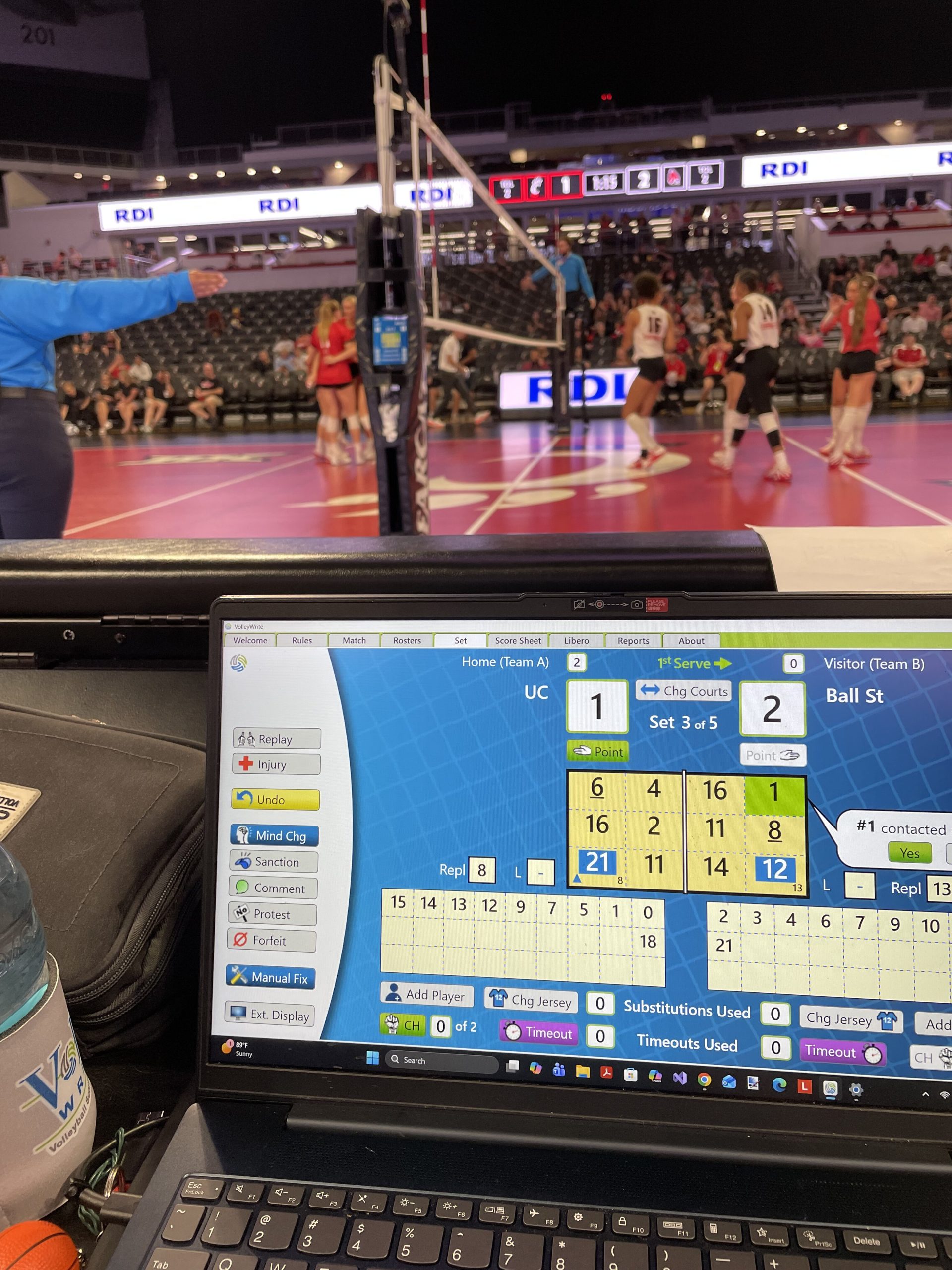
If you have tried the Buddy and have any suggestions to share, please comment on this post. Thanks!